Design social media content that wows
Create eye-catching social media content in seconds. Start from templates, restyle visuals with AI, and export perfect sizes for every platform. Works on web, iOS, and Android.
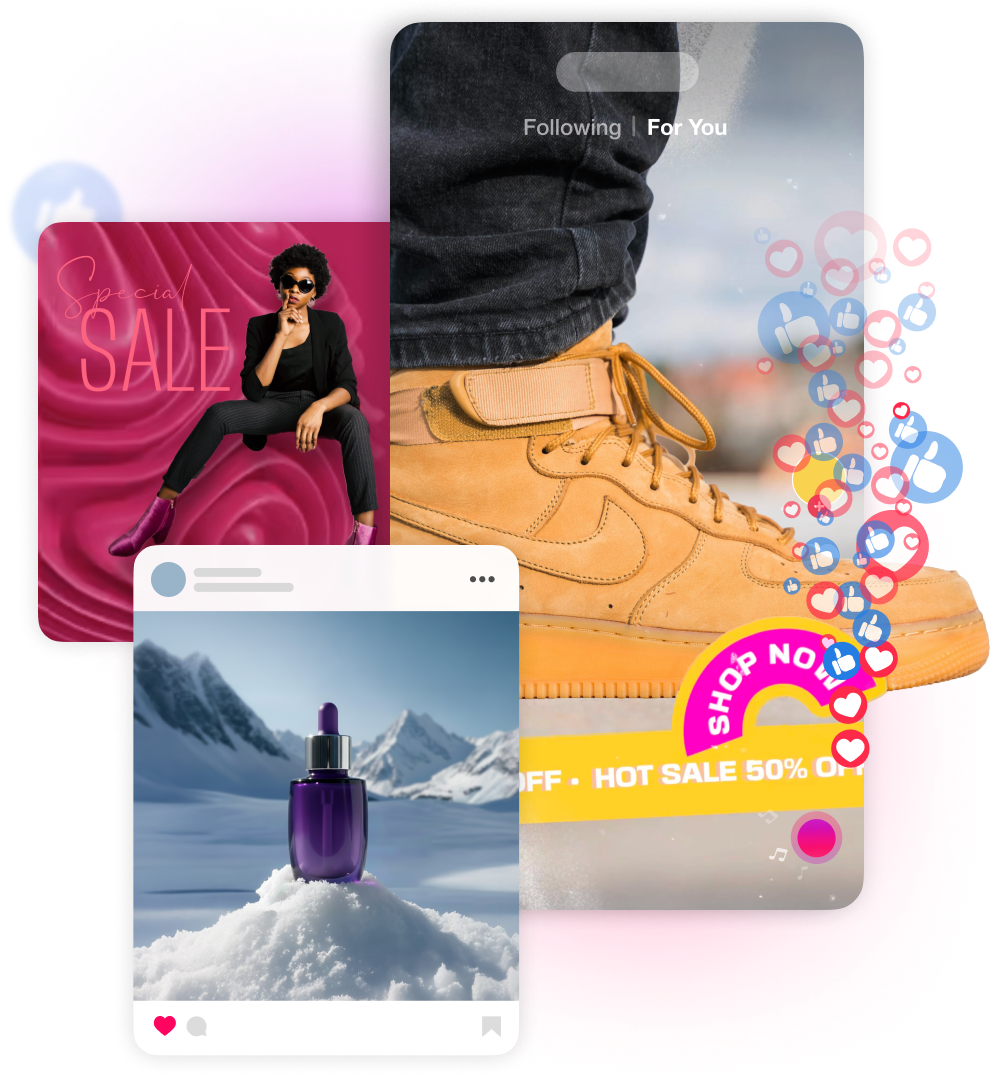
How to design great social media content?
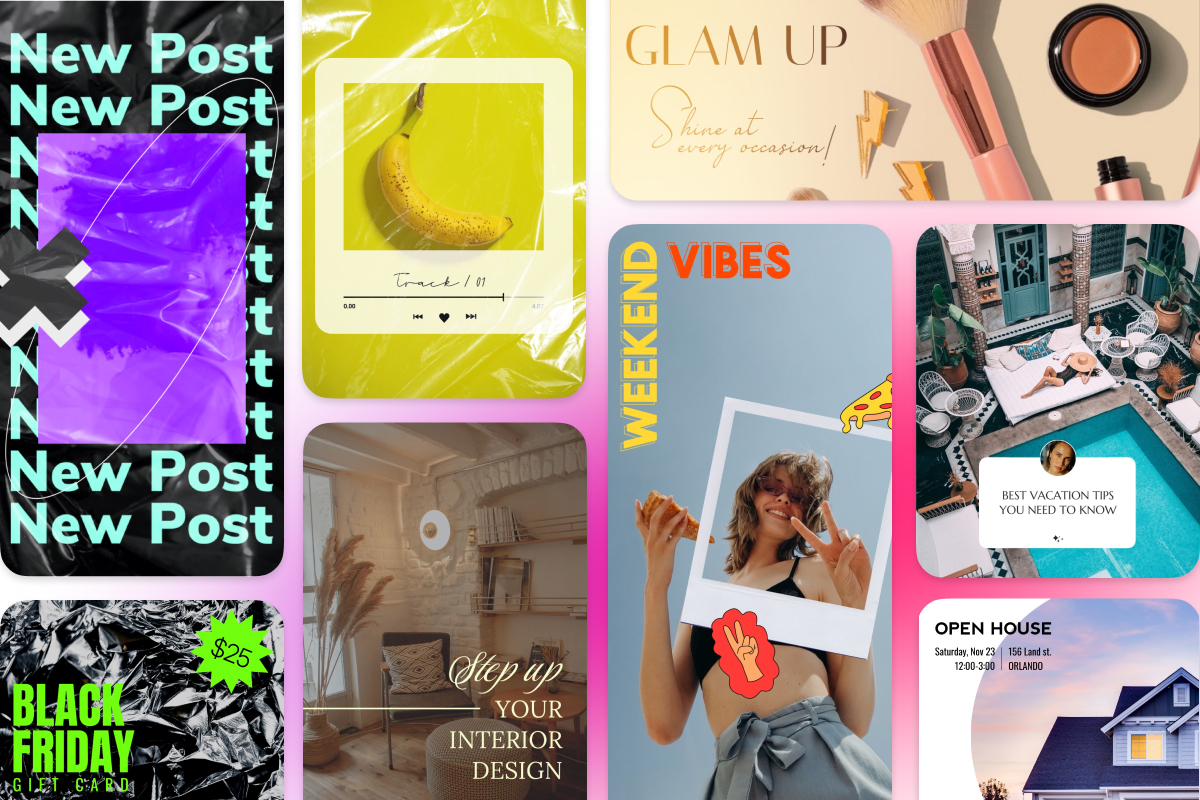
Start fast with social templates
Pick a social media template that fits your goal and platform. Swap images and videos, update copy, and keep layouts on brand so posts ship quickly and look consistent across channels.
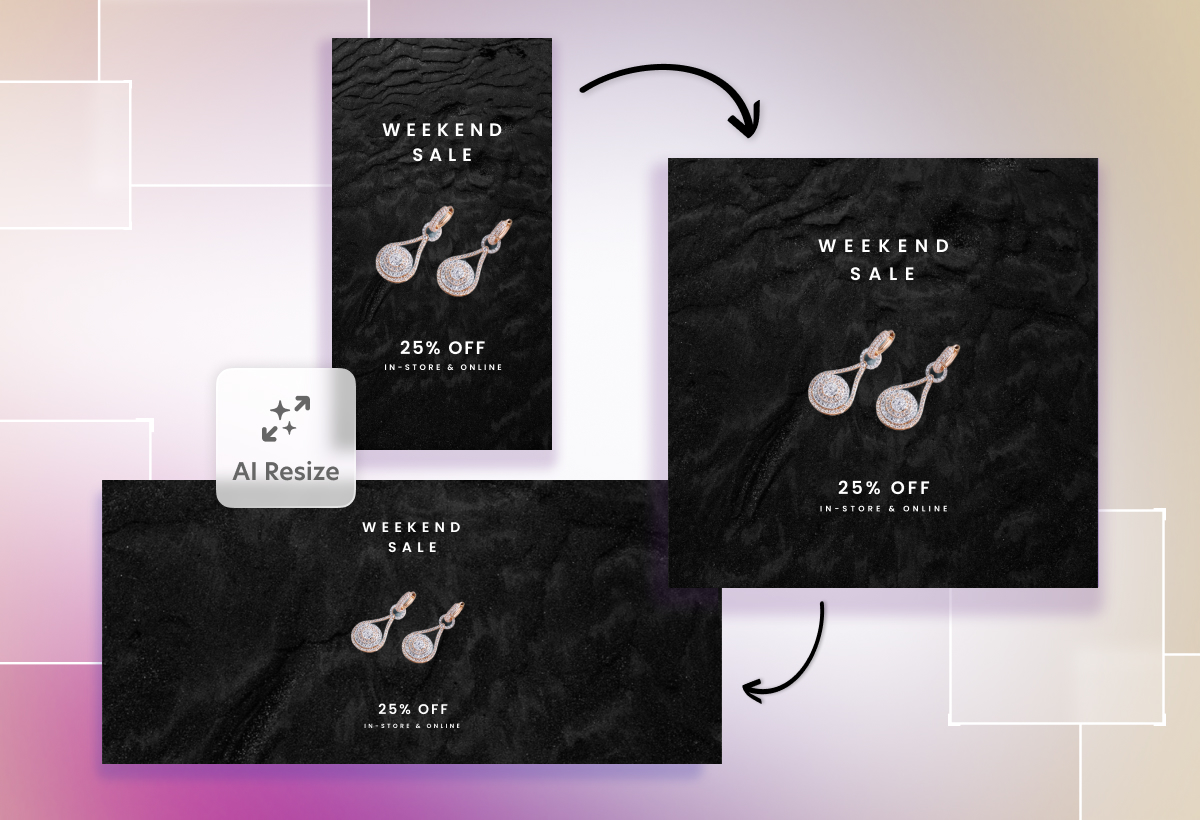
AI Resize for every size and channel
Design once, then use standard or AI Resize to expand to square, portrait, story, or landscape formats. Get smart crops and layout tweaks for Instagram, TikTok, YouTube, Facebook, and more.
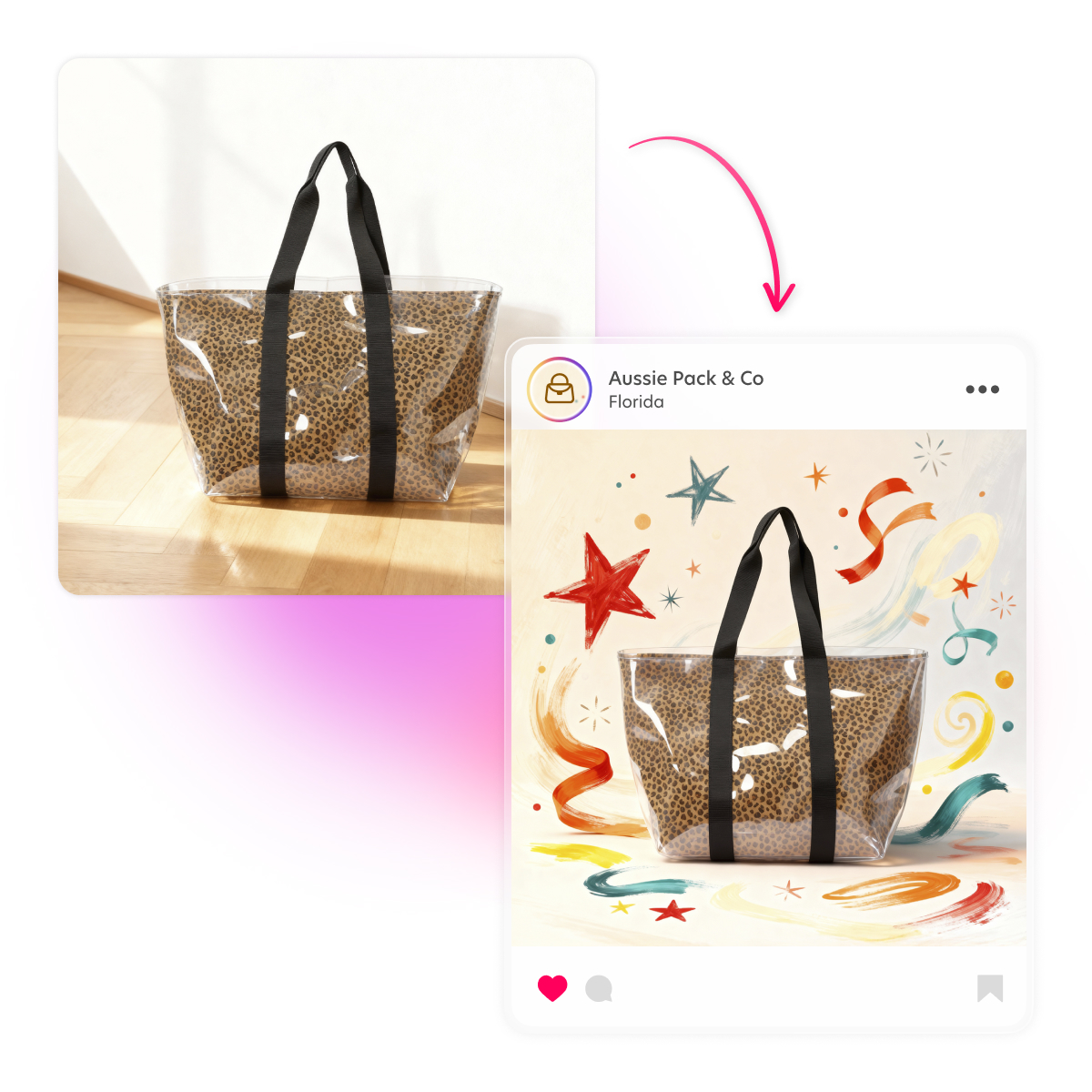
Style your visuals with AI Restyle
Give posts a unique look by restyling photos with AI. Try watercolor, cartoon, or anime fun looks, or keep it subtle for promos. Apply the same style across a campaign for a coherent feed.
Make scroll-stopping social videos
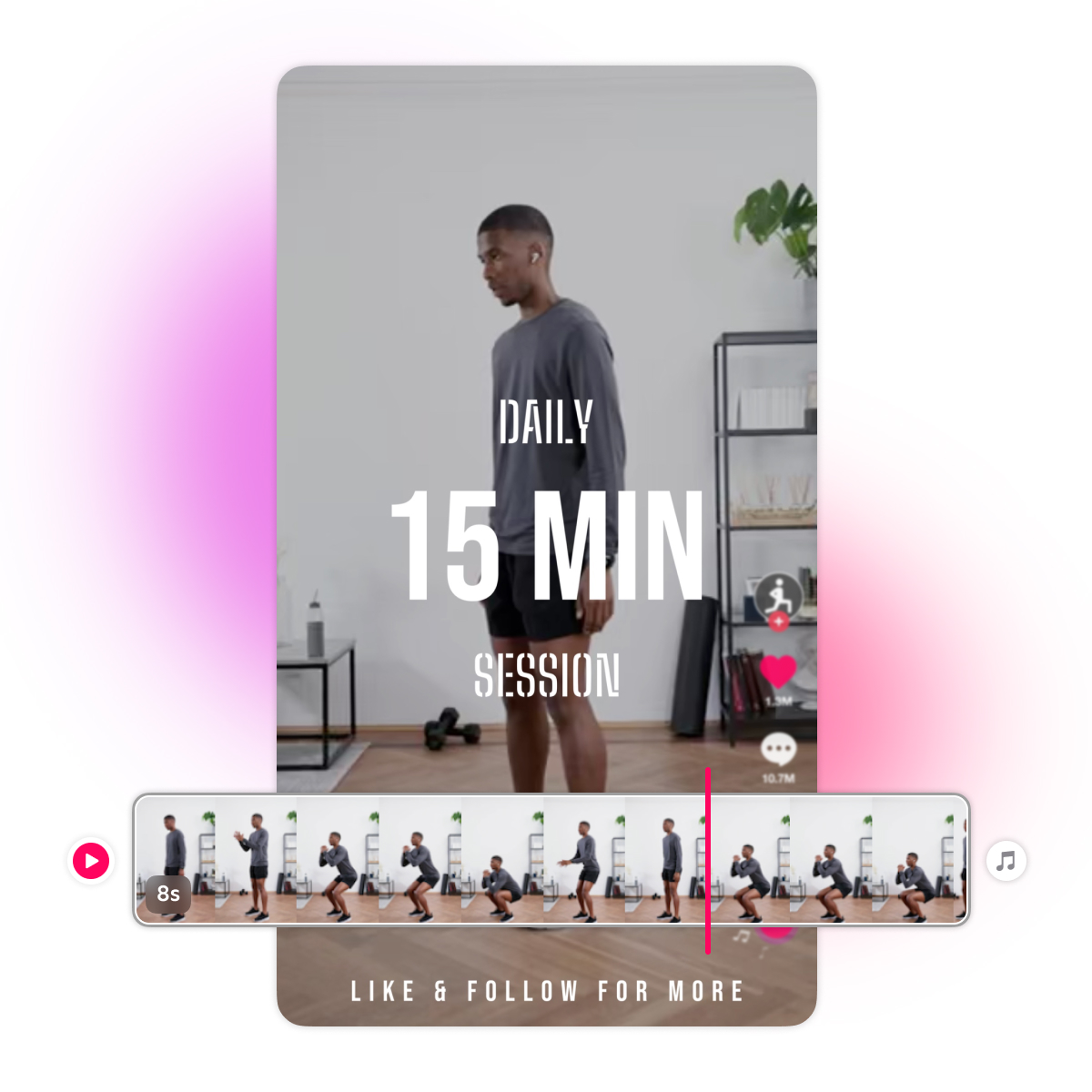
Edit short videos for Reels, Shorts, Stories, and posts in minutes. Combine photos and video clips, add animations, transitions, AI captions, stickers, graphics, effects, music and video backgrounds, then save platform-ready files fast. Available on iOS.
Backgrounds, graphics, photos, videos and fonts that pop
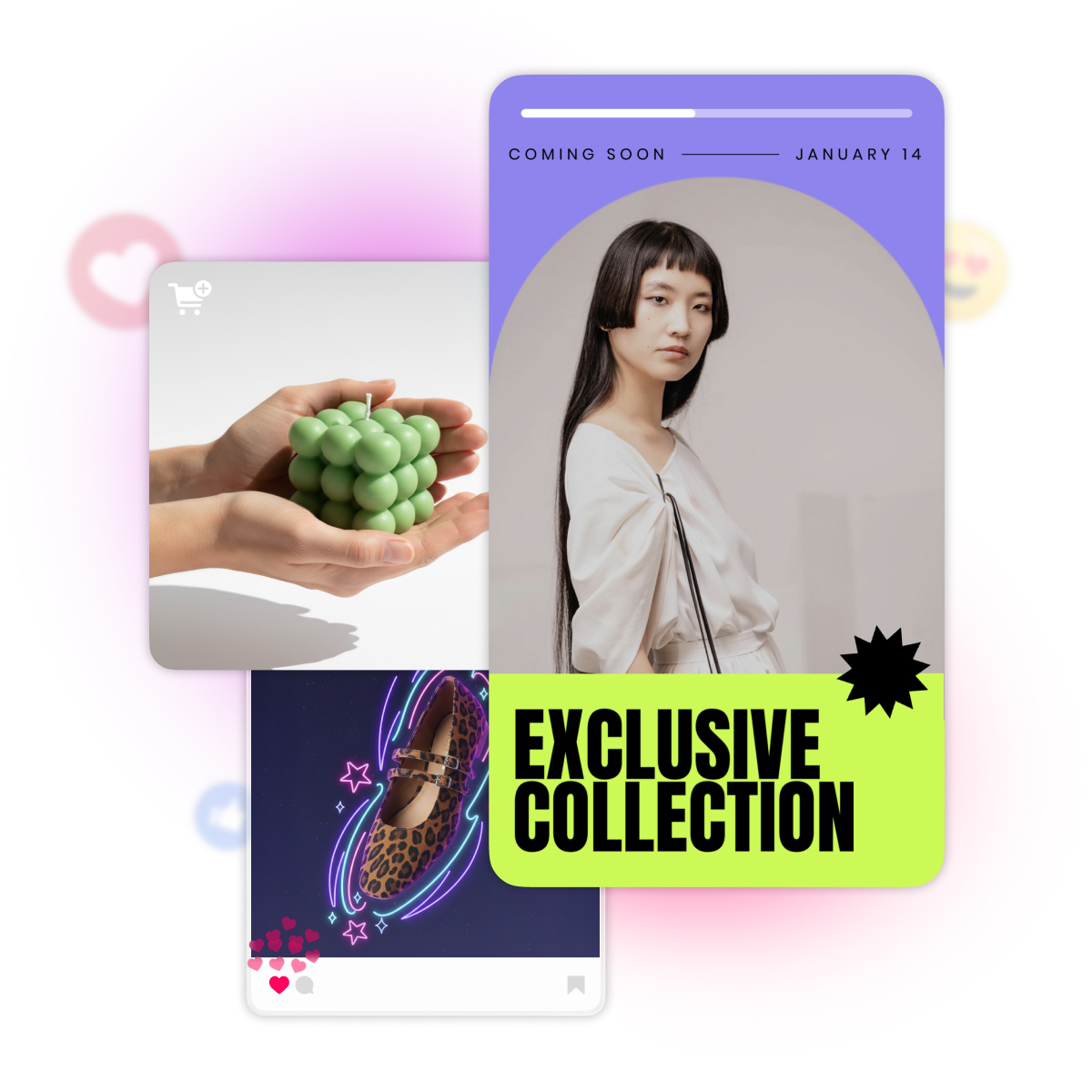
Add eye-catching backgrounds, bold headlines, graphics, photos, videos and effects that stop the scroll. Bazaart’s content library packs thousands of photos, videos, graphics and font styles, so your social media content stays on brand and unmistakably yours.
Questions? Answers!
Templates cover square posts, portrait stories and Reels, TikToks, Shorts, landscape thumbnails, and more. Use standard or AI Resize to adapt any design to another size in a few clicks.
Yes. Reuse templates, colors, and text styles, and apply AI Styles for a consistent campaign look across Instagram, TikTok, YouTube, Facebook, and more.
Yes. On iOS you can use video templates with your photos to make your designs come to life in seconds. You can also easily create an eye-catching stop motion video. Save as MP4 for Reels, TikToks and Shorts. Keep runtime short and text large for mobile.
No. Create one base design, then use standard resize or AI Resize and tweak copy or imagery to match each placement. This keeps production fast while maintaining brand and message.
Yes. You can create social media content on web, iOS, and Android. The mobile apps are optimized for small screens and enable you to take immediate advantage of your device photos and videos. Video tools are available on iOS.