AI image extender: expand your photos to any size
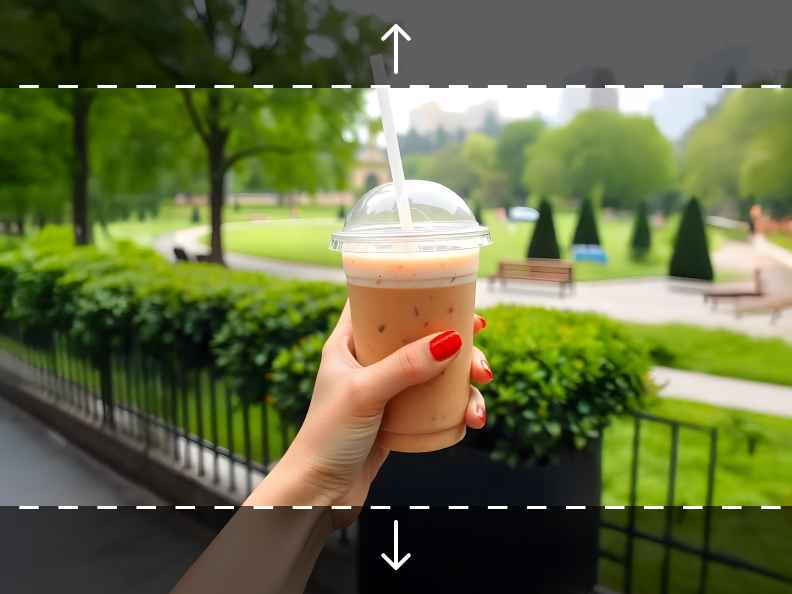
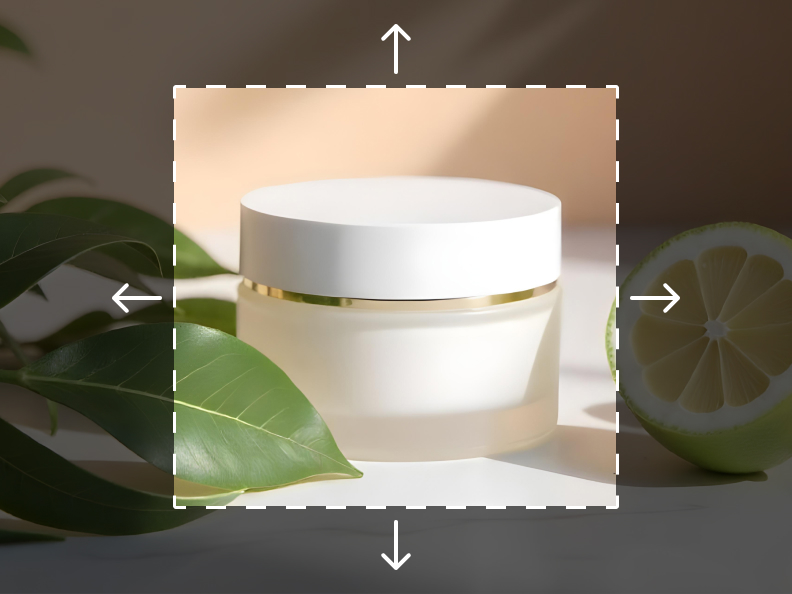
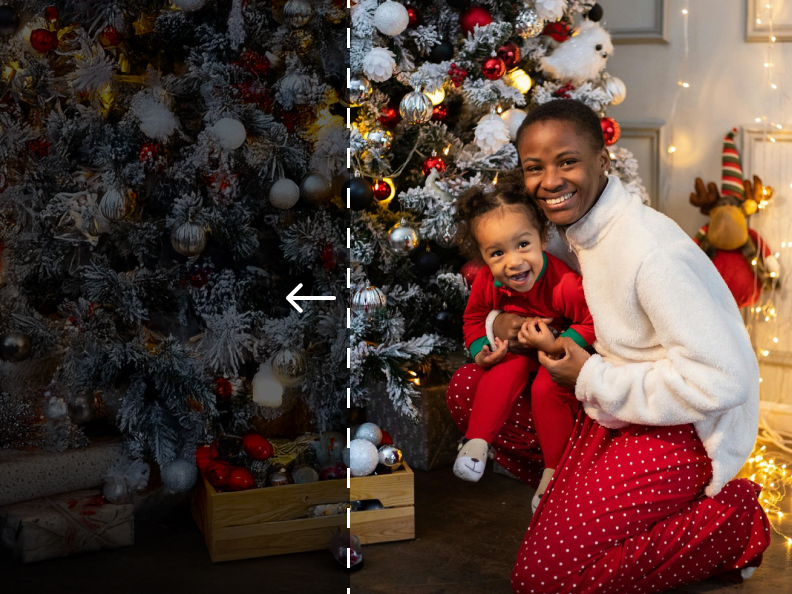
Resize a product shot for Amazon, a portrait for Instagram Story, a lifestyle photo for a landscape ad – Bazaart’s Expand tool adjusts your photo to the exact size you need. If the new size goes outside the original frame, AI fills the space around your subject with a matching background, so nothing looks cropped or empty. Your subject stays exactly as it is.
Expand any photo with AI
Ever wondered what lies beyond the photo? Now you can find out.
Why use Bazaart’s Expand?
Every channel, every size – one photo
Amazon requires square size. Instagram Story wants 9:16. Etsy wants a specific ratio. Paid ads want landscape. Instead of re-shooting or awkward-cropping every time, upload your photo once and resize it to any size you need: marketplace mains, Story verticals, square posts, custom pixel sizes – all from one source.
AI fills the background – only when you need it
Sometimes your target size fits inside the original photo, and Expand just resizes it cleanly. Other times the new size is bigger than what you shot – a portrait pulled wide for a landscape ad, a square stretched into a Story. When that happens, Bazaart fills the extra space around your subject with a matching background, so the frame is full and nothing looks cropped or empty.
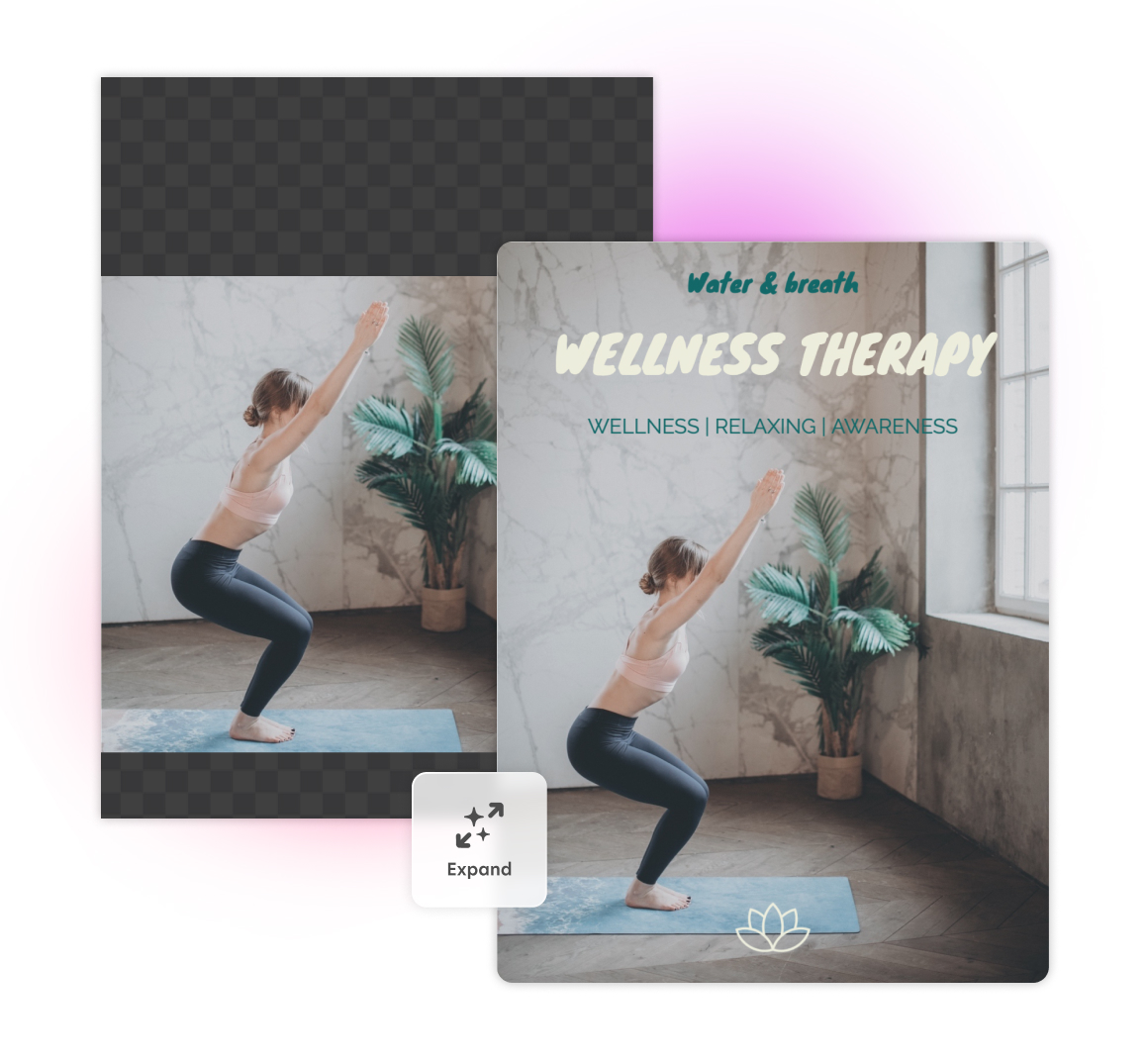
Add depth to your photos with extended images
Bazaart’s Expand tool lets you add space and context to your photos, highlight your photo’s subject and create stunning visuals that captivate. Whether you need more room for text overlays, design flexibility, or storytelling, the AI-powered tool has you covered.
Questions? Answers!
You can easily expand any photo and resize it for any format with Bazaart’s Expand tool on your mobile with Bazaart’s iOS and Android apps (coming soon on web).
To use the Expand tool:
1. Get started by tapping the + button.
2. To upload an image from your device, tap Photo.
3. Scroll the bottom toolbar and tap “Expand”.
4. Select the desired size.
5. Tap “Next” to extend your image to the new size.
6. Tap the “V” to accept the result.
If you’re not happy with the result, you can tap the “Create again” button to generate a new background extension.
Expand resizes any photo to any size you need: square, portrait, landscape, or custom. If the new size fits within your original photo, Bazaart just resizes it cleanly. If it goes outside the original frame, AI fills the extra space around your subject with a matching background.
Yes! The Expand tool works perfectly for product photography, allowing you to extend backgrounds for e-commerce listings, ads, and more.
Bazaart’s Expand tool supports image formats such as PNG and JPEG. Any size you need is supported: Amazon mains, Instagram Story (9:16), square posts (1:1), landscape ads (16:9), Pinterest pins, custom pixel sizes, and every standard marketplace preset.
Bazaart’s AI image extender stands out for its precision and ease of use. Unlike other tools, it seamlessly blends extended areas with your original image, ensuring natural results. Whether you’re working on social media content, e-commerce visuals, or creative designs, Bazaart delivers unparalleled quality.
No. Expand only adjusts the frame around your subject. It doesn’t invent new details, shift colors, or alter proportions. Your photo stays exactly as it is; the background just grows to fit the new size.
No. When your target size fits inside your original photo, Expand simply resizes it – no AI generation needed. AI fills the background only when the new size is bigger than what you originally shot.