Create a photo collage for every memory
Photo collage maker for easy collages for yourself, family, and friends. Drop your photos into clean grids or designer templates, add graphics and text, and save for print or social. Works on web, iOS, and Android.

How to create great photo collages?
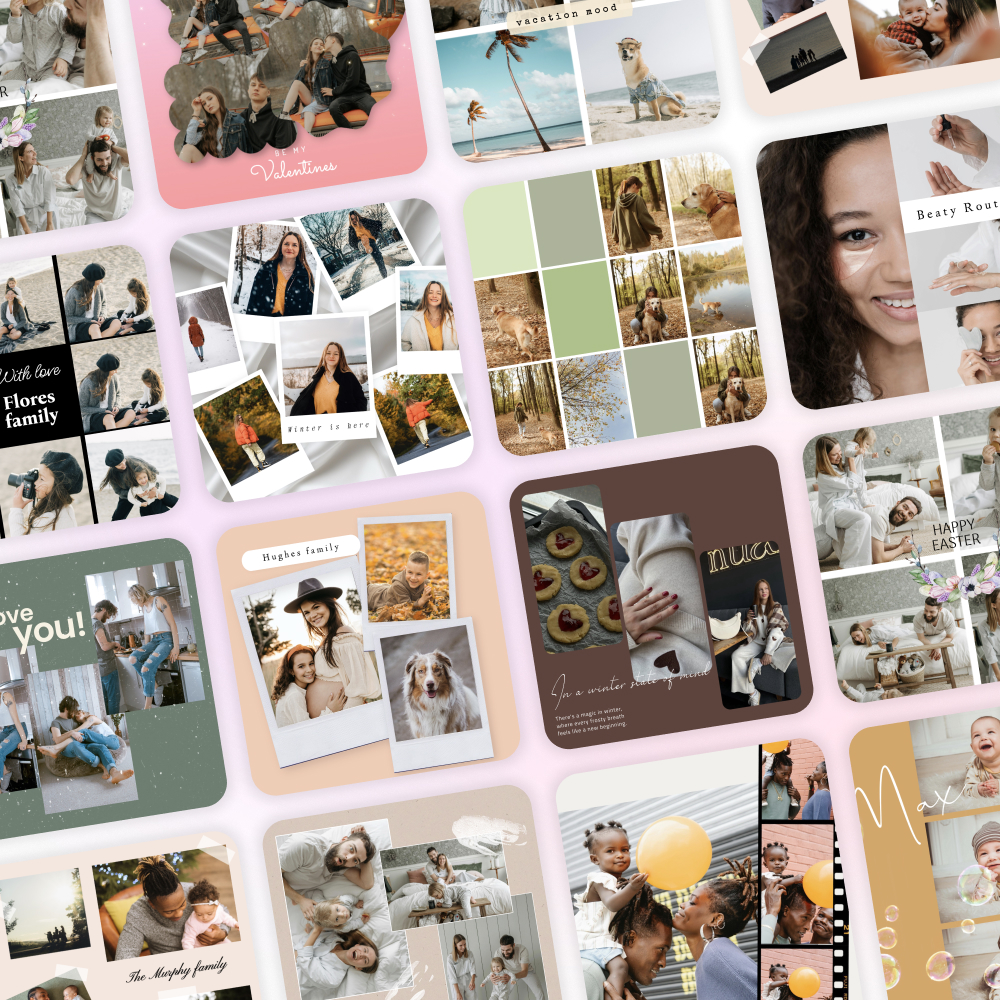
Start fast with photo collage templates
Pick a template from designer-made photo collages, grids, frames, and minimalist layouts. Swap images in seconds and keep spacing, margins, and alignment perfect.
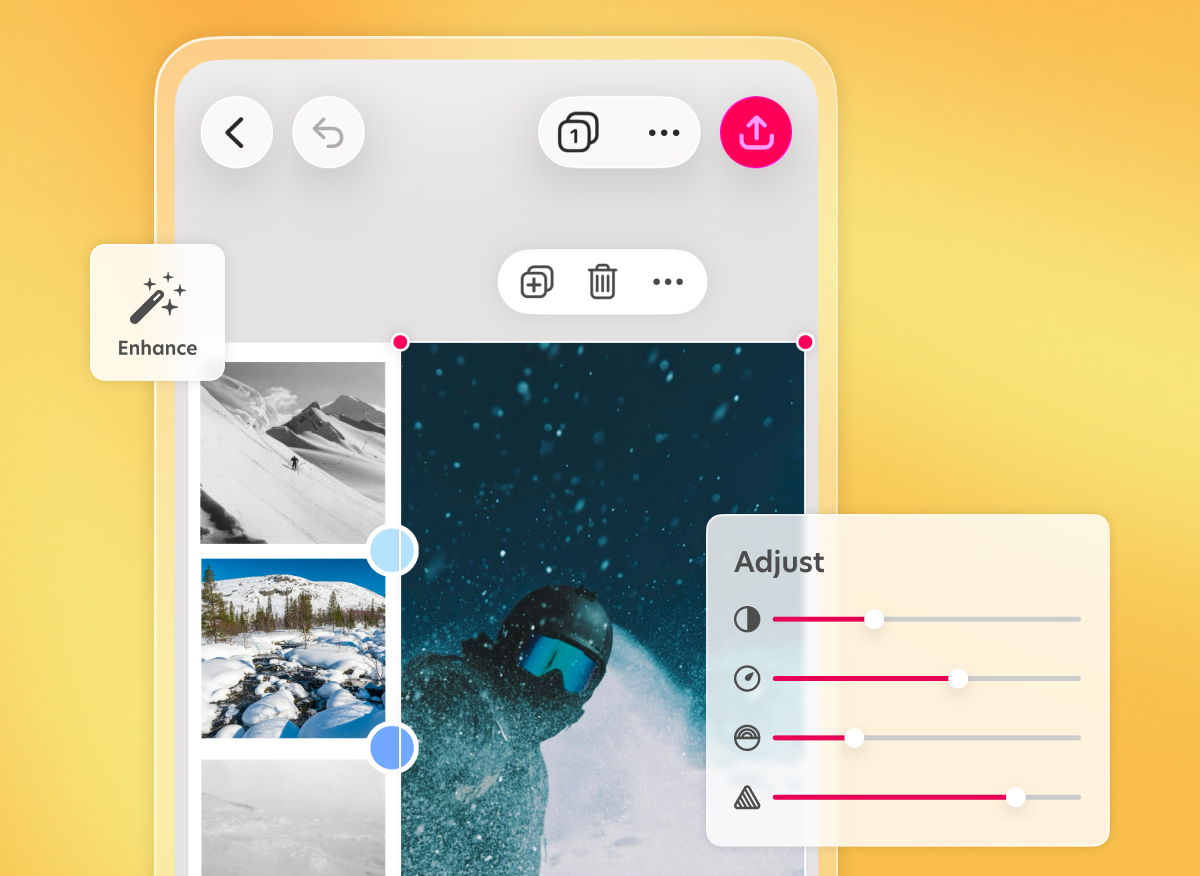
Enhance photo quality
Use Enhance to improve quality, fix exposure, sharpen details, and reduce noise so every image looks crisp in the final design.
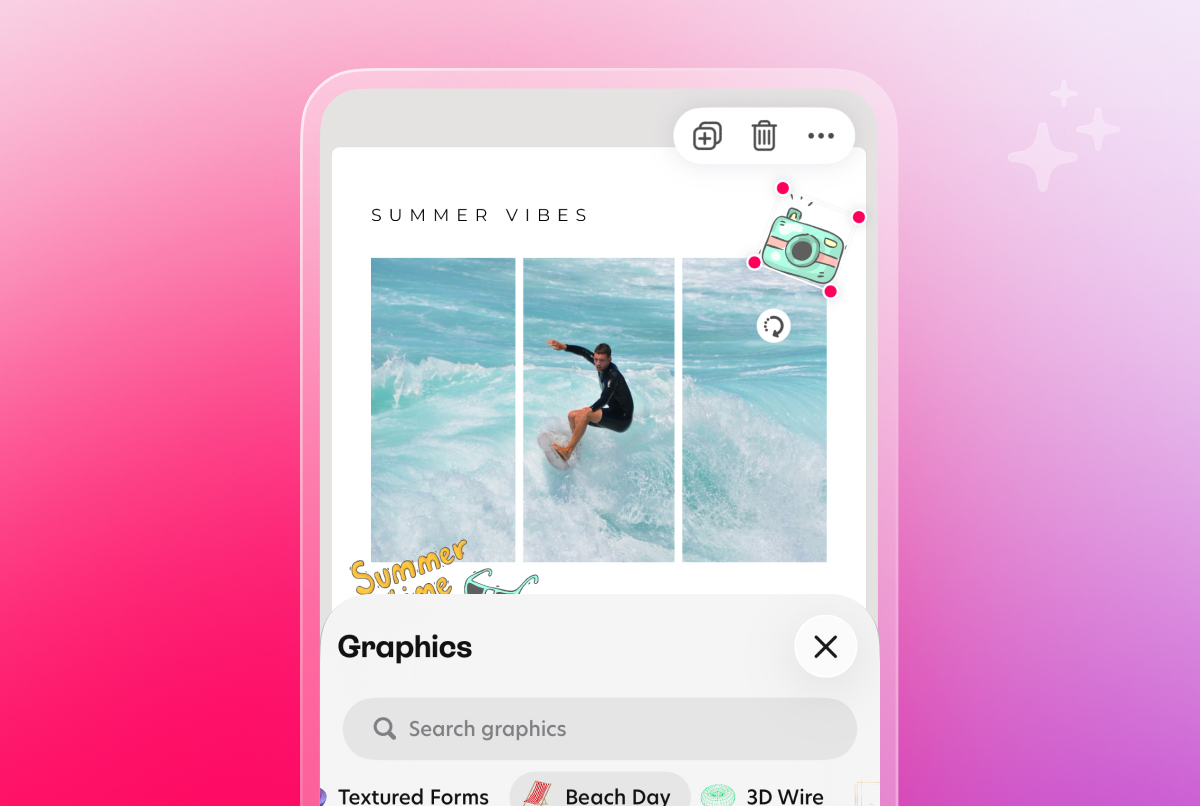
Decorate with graphics and text
Add backgrounds, stickers, shapes, and captions. Pair a bold headline with simple body text for clear, shareable designs.
Questions? Answers!
A photo collage is a single design that combines multiple photos in a grid or freeform layout, often with borders, frames, text, or graphics for print or social sharing. In Bazaart, you drop in photos, pick a grid or designer layout, add graphics or captions, then save for print or social.
As many as the designer template of your choice supports. Start with 2 to 4 for a clean grid look, or choose minimalist layouts for larger sets.
Yes. On iOS you can add quick video clips to motion collages, which is useful for Stories and Reels.
Use built-in grid templates for quick and easy alignment. Snapping guides will help you automatically align your photos and adjust margins relative to other elements.
Of course. Tap on any photo in your design to edit it instantly. From there, you can quickly apply filters and effects, make edits, change style or enhance the photo quality. You can also crop or rotate the image for a flawless fit within your collage design.