
Cut your show prep from three hours to fifteen minutes. Turn messy floor snapshots into clean, studio-quality product photos, batch-edit your whole inventory, and design stream thumbnails that pull viewers in. Works on web, iOS, and Android.
What size should Whatnot product images be?
Use square 1:1 images at 1080 × 1080 px for Whatnot product and listing photos. Whatnot doesn’t publish a fixed listing size, but square photos fill the listing tile without awkward cropping. Sizes for every Whatnot placement:
- Listing / product photos: 1080 × 1080 px (1:1)
- Profile picture: at least 160 × 160 px (1:1, cropped to a circle)
- Banner / cover image: 750 × 424 px
- Stories, Reels & TikTok promos: 1080 × 1920 px (9:16)
How to prep your Whatnot show?
Get instant results with AI Restyle
On Whatnot, your photos are your storefront. AI Restyle detects your item and turns a home-made snapshot into a professional product photo in seconds — no lightbox, no photoshoot. Keep one on-brand look across every listing.
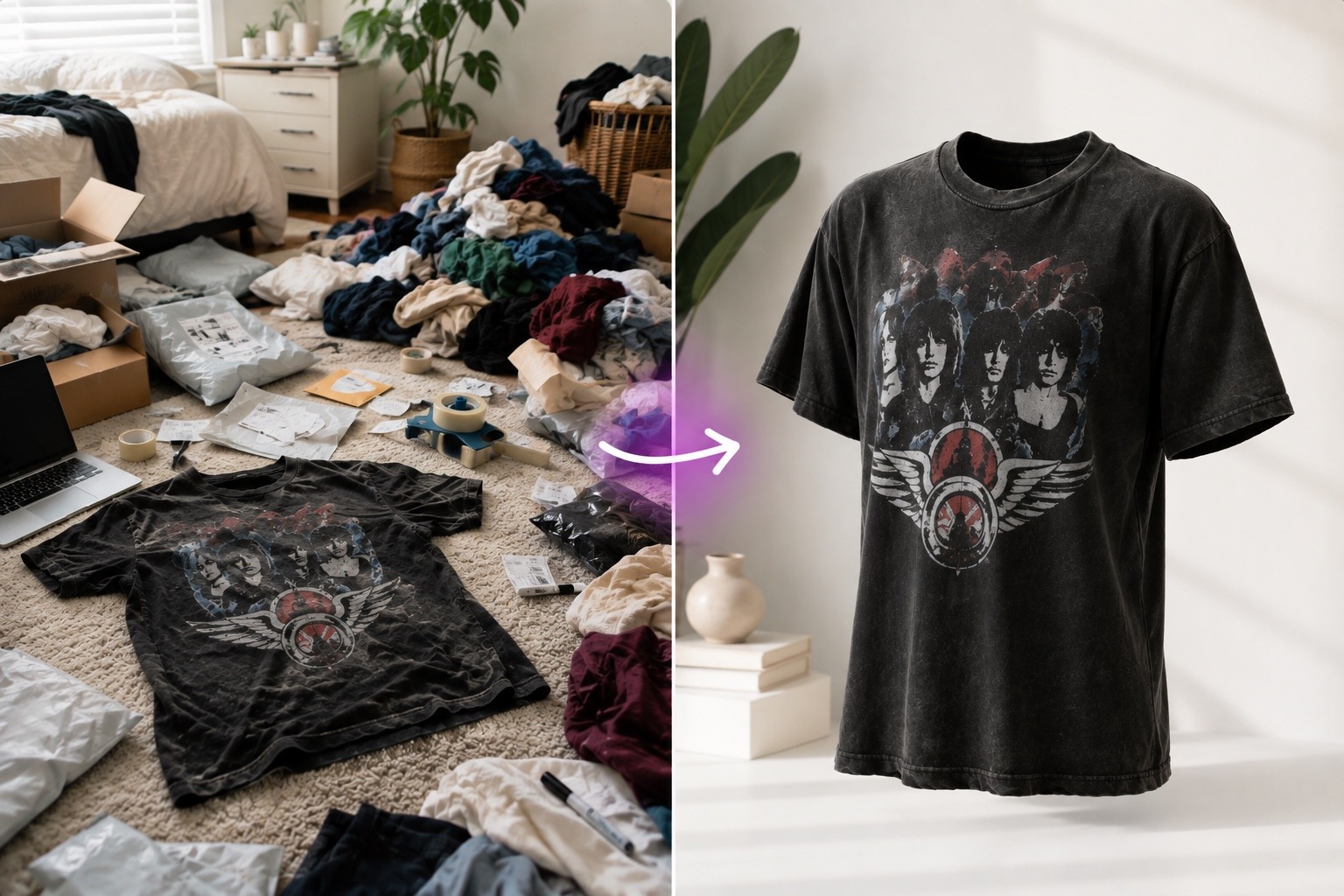
Put vintage tees on AI Models
Selling vintage or streetwear? Skip the creepy invisible mannequins. Snap a shirt laid flat on a table and instantly place it on a photorealistic AI model to create high-converting listing shots as seen on areal whatnot shop.
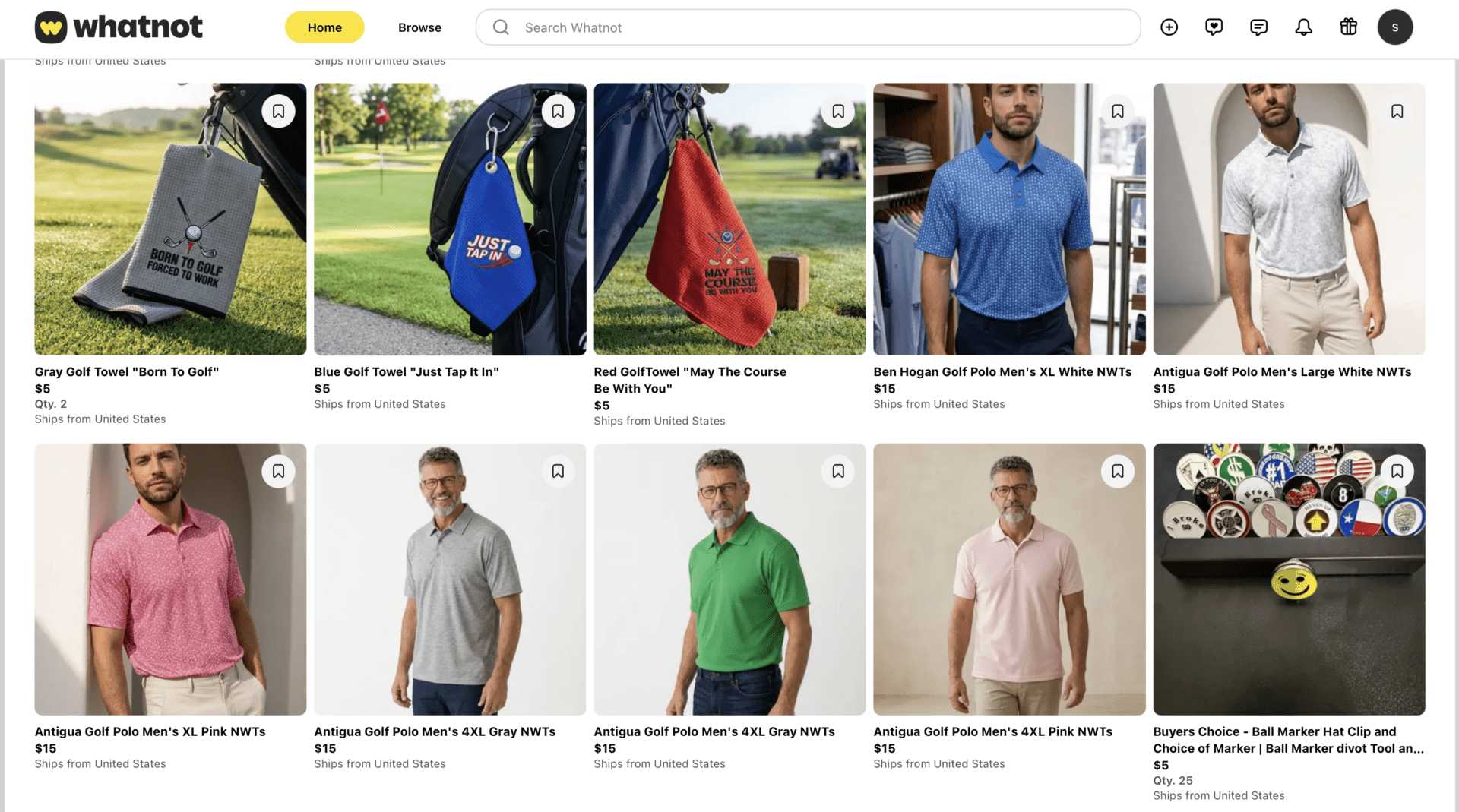
Batch-edit your whole show in minutes
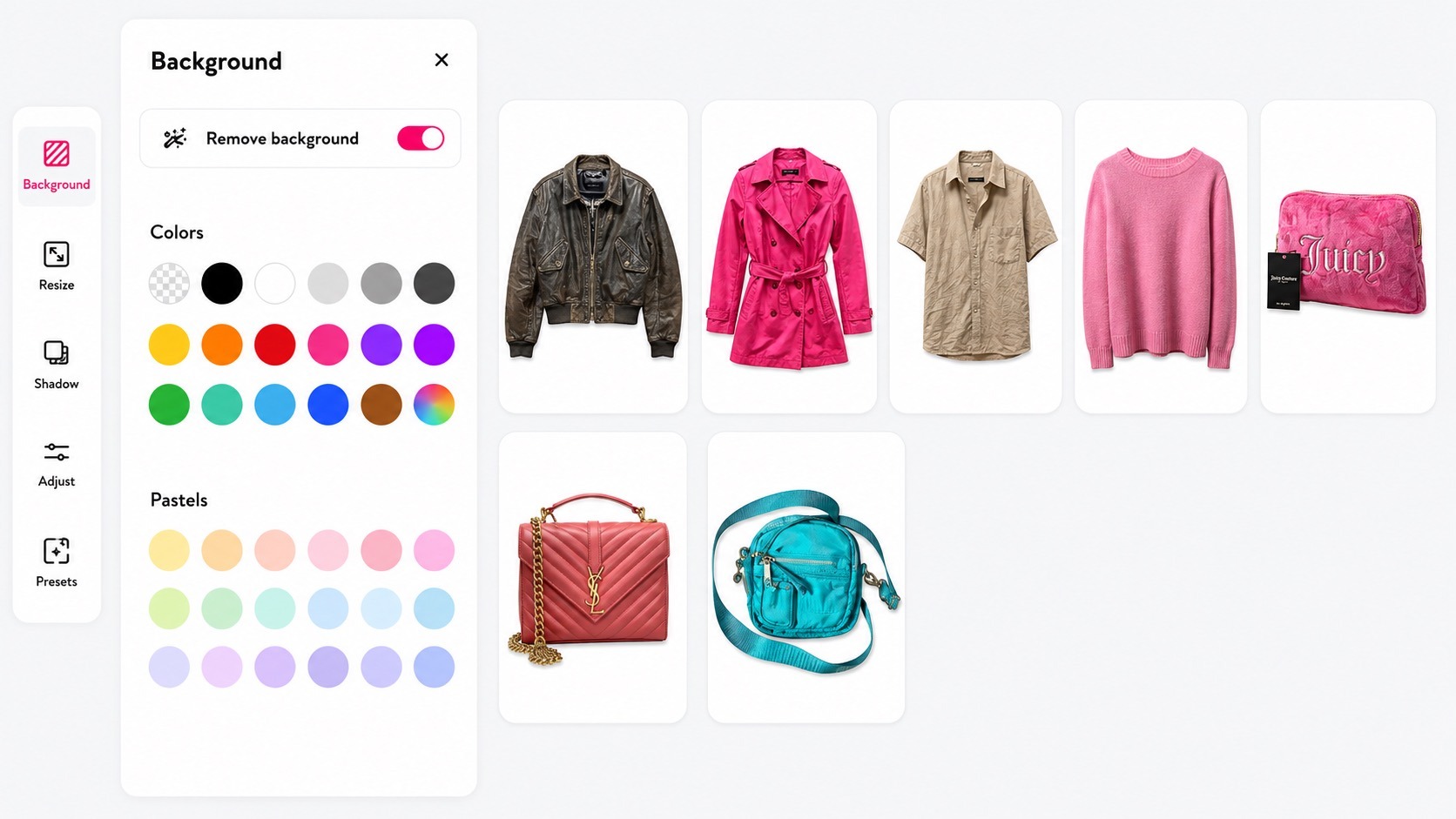
Drop in your entire inventory and remove backgrounds, add shadows, and resize every photo in one go. Bazaart exports marketplace-ready images with clean backgrounds, so handing them to Whatnot — or to your listing automation tool — is seamless.
One design, many sizes
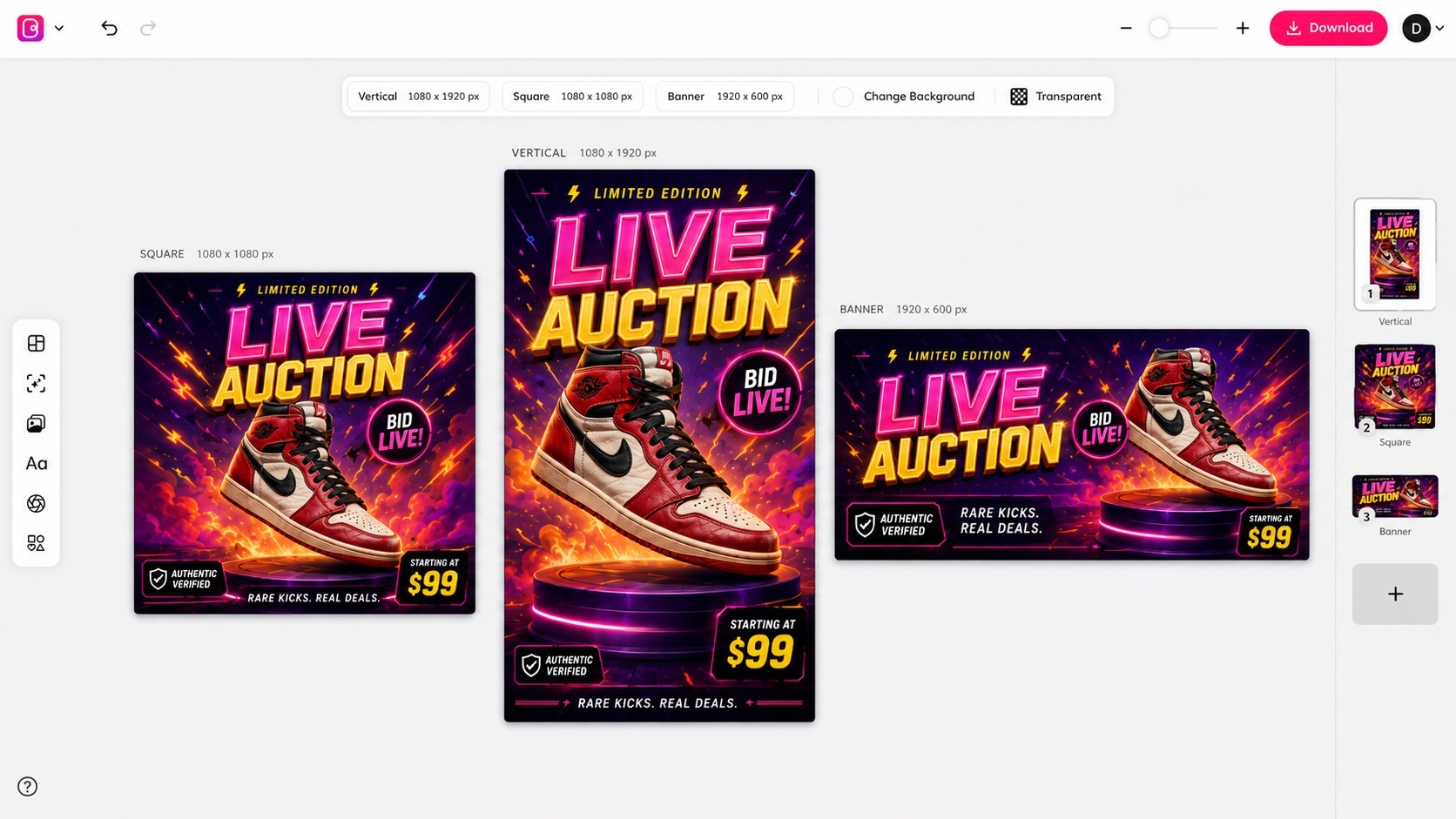
Design your show thumbnail once, then resize it for square Instagram posts, vertical TikTok stories, and your show promo in a few clicks. Use bold, glowing text to announce your “$1 START” or “BID LIVE!”, then export straight to your camera roll.
Questions? Answers!
Most marketplaces allow edited product photography as long as the image meets the specs and accurately represents the physical item. Use clean backgrounds and realistic shadows on your main auction photos to build buyer trust, and always check Whatnot’s current image guidelines.
Yes. Whatnot uses AI behind the scenes to rank live shows and power recommendations and search — in 2026 it acquired Shaped, an AI ranking company — and its Top Trends tool surfaces what buyers are searching for. Whatnot’s listing rules still require photos of the actual item you’re selling, so use AI to enhance your real photos (clean backgrounds, shadows, lighting) rather than replace them.
Yes. Batch editing lets you remove backgrounds, add shadows, and resize dozens of listing photos in one pass, then export a marketplace-ready folder you can hand straight to Whatnot or to your listing automation tool.
Yes. Apply your brand colors and upload your custom fonts so every promo stays on brand. Save your designs as templates to reuse across all your future Whatnot streams.
Square works best for listing photos, vertical 1080 × 1920 for Stories, Reels, and TikTok, and a wide banner for show art. Resize presets cover all of them, so one design becomes every placement.
No. A phone photo on your floor or table is enough. AI Restyle and Magic Background handle the lighting, shadows, and backdrop, and AI Models turns a flat-lay tee into a modeled shot.