AI image generator:
create stunning custom images from text
Bring your ideas to life with AI Image, Bazaart’s text to image generator. Create custom AI generated images quickly and easily with this simple to use AI image generator tool.
Explore AI Image versatility
Explore AI Image versatility
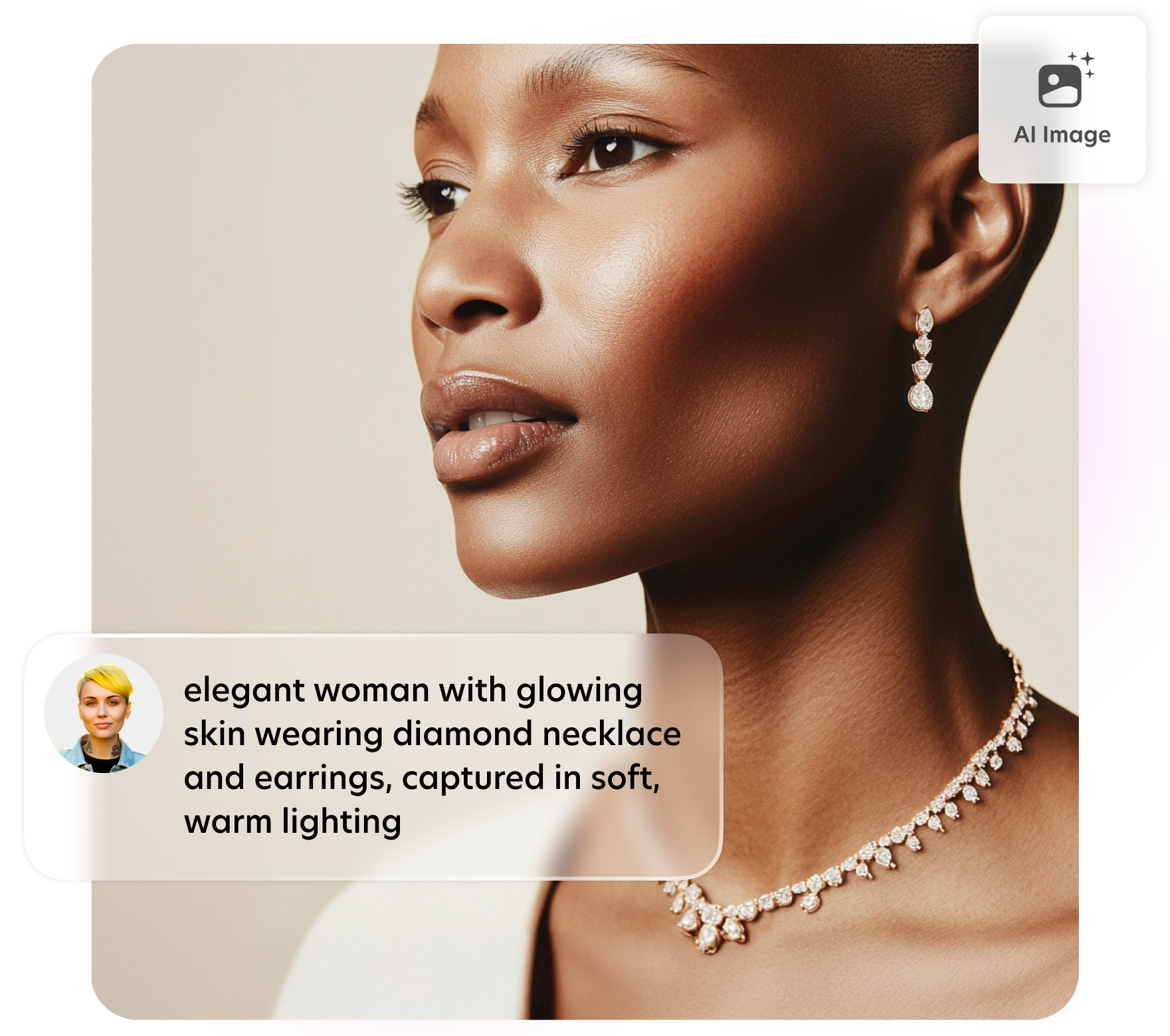
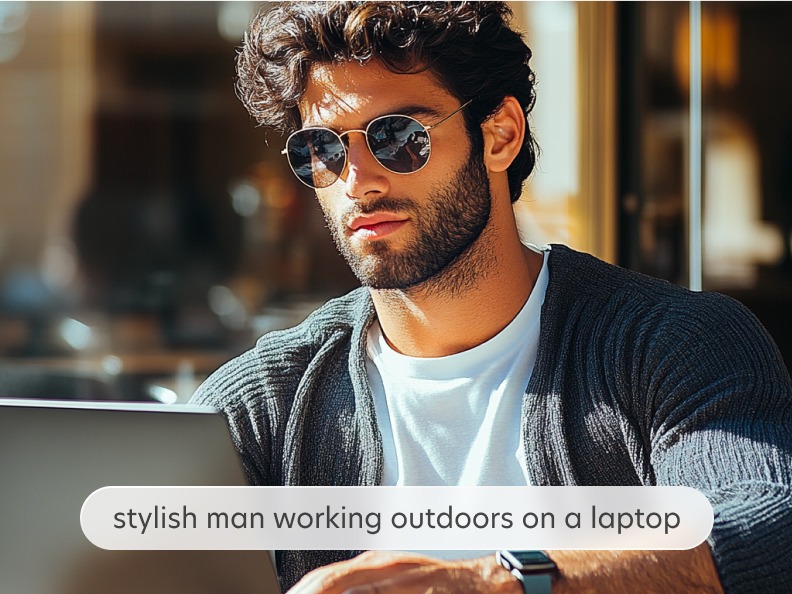
Discover stunning AI generated images made in Bazaart and the text prompts that created them.


Why use Bazaart’s AI image generator?
Transform ideas to images
Effortlessly convert text prompts into stunning, AI-generated visuals using Bazaart’s powerful text-to-image generator. Whether you’re creating visuals for blogs, social media, or websites, this tool makes transforming text prompts into captivating, high-quality AI generated images quick and seamless. Experiment with different prompts and have fun creating AI-generated content.
The search for images is over
AI-powered content creation is simple with Bazaart’s AI Image tool. Whether you need AI generated images for social media, a banner, Reel, or TikTok, you can create stunning visual assets for all your projects. Choose your image format and style in Bazaart, and customize your text prompt for precise, tailored results. Each prompt generates four unique results and you can always revisit the prompt and generate additional AI generated images, until you find the one you love.


Customize your AI-generated image
Achieve any desired image style with Bazaart’s AI Image, a powerful AI-powered text-to-image tool. Once you’ve created an image to your liking with the AI picture generator, you can crop it, adjust its photo attributes, apply filter effects, and continue editing it in Bazaart to perfect your design.
Questions? Answers!
To use the AI Image tool:
1. Get started by clicking Start designing on desktop or tap the + button on mobile.
2. Tap or click the AI Image button.
3. Enter a text prompt that describes the image you’d like to create. You can choose the style and size of your image, and make it as simple or as elaborate as you want.
4. Tap next or click the red arrow button.
Your text prompt will be analyzed, and the tool will create four image options for you to choose from.
5. Tap or click to select the desired image.
If you want to explore more options for your AI image, you can always go back and revisit your prompt to refine it, or leave it as is and simply generate more image results for the same prompt.
Learn how to use Bazaart’s AI image generator with this detailed tutorial, which includes many tips and tricks.s for a specific style you are interested in, during the background selection process, tap or click Create More to have the AI background generator prepare more background options on the fly.
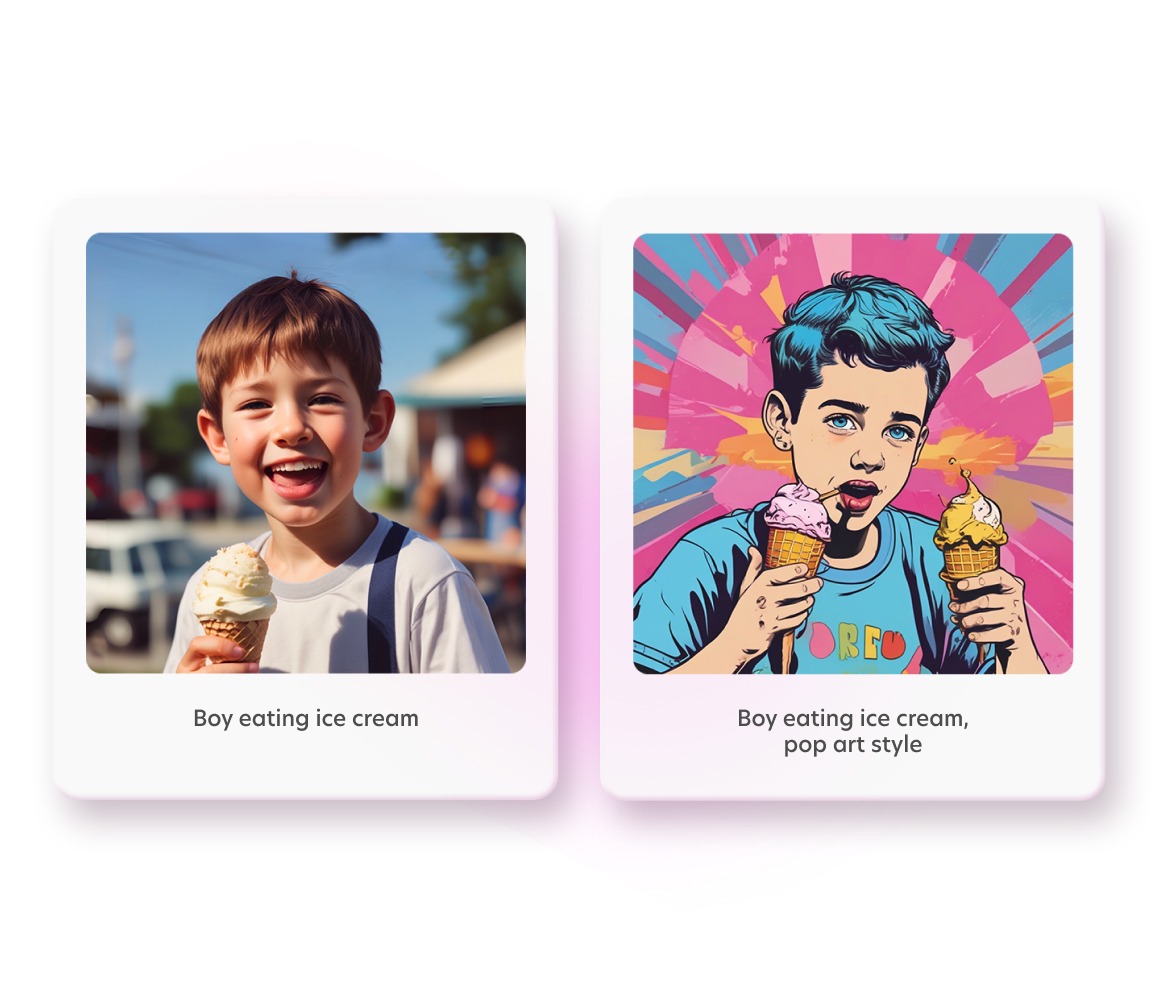
With Bazaart’s AI Image tool, you can create images with AI in various AI-generated image formats and AI-generated art styles, from hyper-realistic photos to artistic illustrations and surreal designs.
You can generate a photo, drawing, digital art, oil painting, watercolor, pencil sketch and more. If you’re feeling artsy, you can choose from stunning artistic styles, inspired by Van Gogh, Salvador Dali, Claude Monet, Gustav Klimt, Pablo Picasso, Frida Kahlo, and more. The possibilities are endless.
Bazaart’s AI photo generator tool, AI Image, is a powerful yet simple to use AI-powered text-to-image generator that allows you to easily create custom AI generated images using the most advanced generative AI technology.
Simply describe the image you want using a textual prompt, and the AI will help you create the perfect image to match. Whether you choose from curated styles or artists, or create your very own custom prompt, Bazaart’s AI makes it effortless to craft stunning visuals tailored to your needs.
Want more? Explore more AI-powered photo editing tools in Bazaart.
Bazaart’s AI photography generator is used to create images and add them to your design or save them as is. Bazaart can save to image formats such as PNG, JPEG and WEBP. All image sizes are supported.
Yes, Bazaart’s easy-to-use AI image generator is beginner-friendly. The intuitive app makes it easy to input text prompts and generate AI images. Experienced or new to generative AI tools, anyone can create professional looking images easily using Bazaart’s AI text-to-image generator. See Bazaart’s step-by-step tutorial on how to generate images with AI.