Walmart Image Requirements: Background, Size & Format
 Bazaart teamUpdated
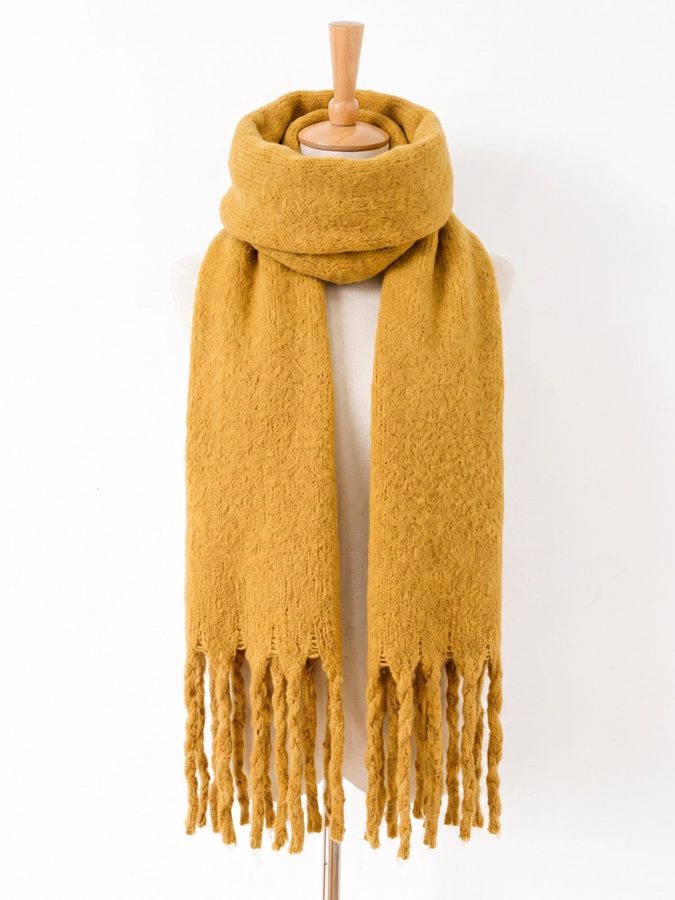
Walmart image requirements in short: the main product image needs a pure white background (RGB 255, 255, 255), and its file can be no larger than 5 MB. JPEG, PNG and BMP are the recommended formats. These rules set a file size limit for the main image, not a pixel size.

How many pixels should Walmart images be?
- Pixel size: these rules set none, only a file limit.
- File size: 5 MB or less for the main image.
- Main image background: pure white, RGB 255, 255, 255.
- Recommended file formats: JPEG, PNG or BMP.
Which photos break Walmart photo rules?


Shooting the main image on a coloured backdrop or in a room. Remove the background and use pure white instead.

Uploading a main image file over 5 MB. Resize or compress the photo until the file is 5 MB or less.
How do I fix Walmart listing photos?
In Batch Studio, you can turn every background white at once. Resizing is optional, since these rules set no pixel size.
- Remove background


Import your product photos and turn on Remove background
The background disappears from every photo and turns white, the default colour.
- Square 2048 × 2048FitFillExpand
Make every photo the same square, if you want
Square 2048 × 2048 with Fit in Resize is a Batch Studio size, not a Walmart rule.
 Download
 all as JPEG
You get JPEG files, one of the formats in the rules above.
Try it on one photo
See your main image on pure white before you upload it.
Questions on Walmart images
What size should Walmart images be in pixels?
These rules give no pixel size. They set a file limit instead: 5 MB for the main image.
What background does a Walmart main image need?
Pure white, RGB 255, 255, 255. This rule is for the main product image.
What is the maximum file size for a Walmart main image?
5 MB for the main product image. Resize or compress a larger file before you upload it.
Which file formats should Walmart product photos use?
JPEG, PNG and BMP are recommended. Batch Studio can download your photos as JPEG or PNG.